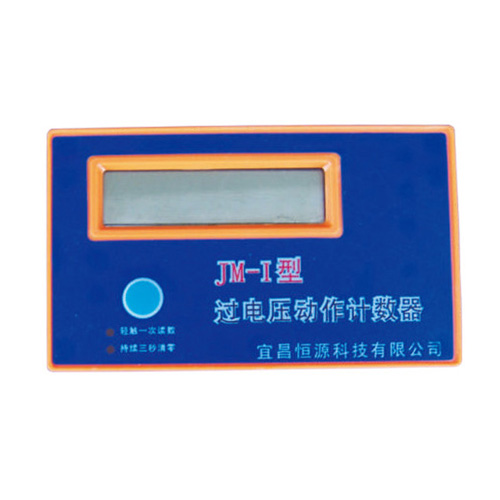
JM-1 counter for over-voltage protector
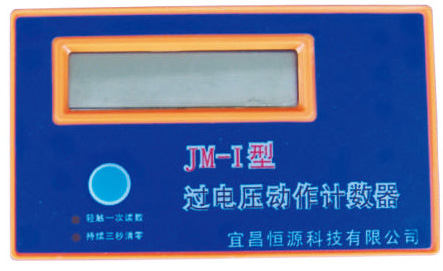
The JM-I overvoltage discharge counter is a device that performs real-time and cumulative counting of the working status of the overvoltage protector. Through this product, the status of the overvoltage protector and the protected circuit can be monitored in detail, and the abnormal conditions before the accident can be predicted to achieve the analysis of abnormal actions. Reason, the role of preventing accidents.
Acquisition: The JM-I overvoltage discharge counter adopts a self-designed high-rate data processing unit with strong anti-interference ability and software digital filtering, which can accurately record the number of actions between the three phases of the overvoltage protector in real time and accumulate in phases.
Display: JM-I overvoltage discharge counter adopts STN dot matrix liquid crystal display.
Structure: The JM-I overvoltage discharge counter is a two-part structure, connected with a network cable through the RJ45 interface, and can be split into the main body or cabinet door installation according to the needs of the site.
Operation and Maintenance:
1. The battery JM-I over-voltage discharge counter is a passive design and does not require an external power supply. The battery attached to the body can be used for 3 years. If the battery is insufficient, please contact our company immediately for supply. The battery is located in the data display box and can be replaced by opening the back cover.
2. The statistical software design adopts the real-time power saving mode. When you need to observe the data, please touch the reading button once, and the cumulative times of overvoltage between the phases of "AB, AC, AD, BC, BD, CD" will be displayed in sequence, in order After it appears, the LCD display will automatically turn off.
3. To clear, you need to clear the data. Press and hold the button for one second. When p "ERASE" appears, a dot will appear every second. After all three dots appear, it means that the data has been erased. During this process, if you need to abandon the clearing, release the button before the third point appears, and the clearing will be cancelled.
Installation method:
1. JM-I body installation: the display part of the counter can be hung on the protector, no need to consider other issues.
2. Cabinet door installation: the display part of the counter is installed on the cabinet door, so the signal length of the display part of the protector and the opening position and size of the cabinet door should be considered